A store owner smiling at her counter while a cashier scans an item at the register.
  • Android
  • iOS
  • Windows

From point of sale to possibilities

Run every store,
online or not.

Sibol is the point of sale and back office for growing Philippine businesses. The counter keeps selling when the internet drops, and the same system takes you from your first store to many branches.

A store owner checking the day's sales on his phone in the store aisle.
The Head Office dashboard: sales today, period sales, spoilage loss, lots due for pull-out and the top products with the stock left.

Any phone or computerCheck every branch from wherever you are.

Why Sibol

Most POS tools stop at the counter. Sibol runs the whole store.

A basic POS rings up a sale, then leaves stock, cash, branches and BIR reports to spreadsheets. Sibol connects them, and keeps running when the internet doesn't.

  • Sells offline and syncs every sale exactly once
  • One stock ledger, down to lot and expiry
  • Every branch and warehouse in one view
  • Grow from one store to many brands on the same data
Talk to us

Built for everyone in the store

From the counter to the back office.

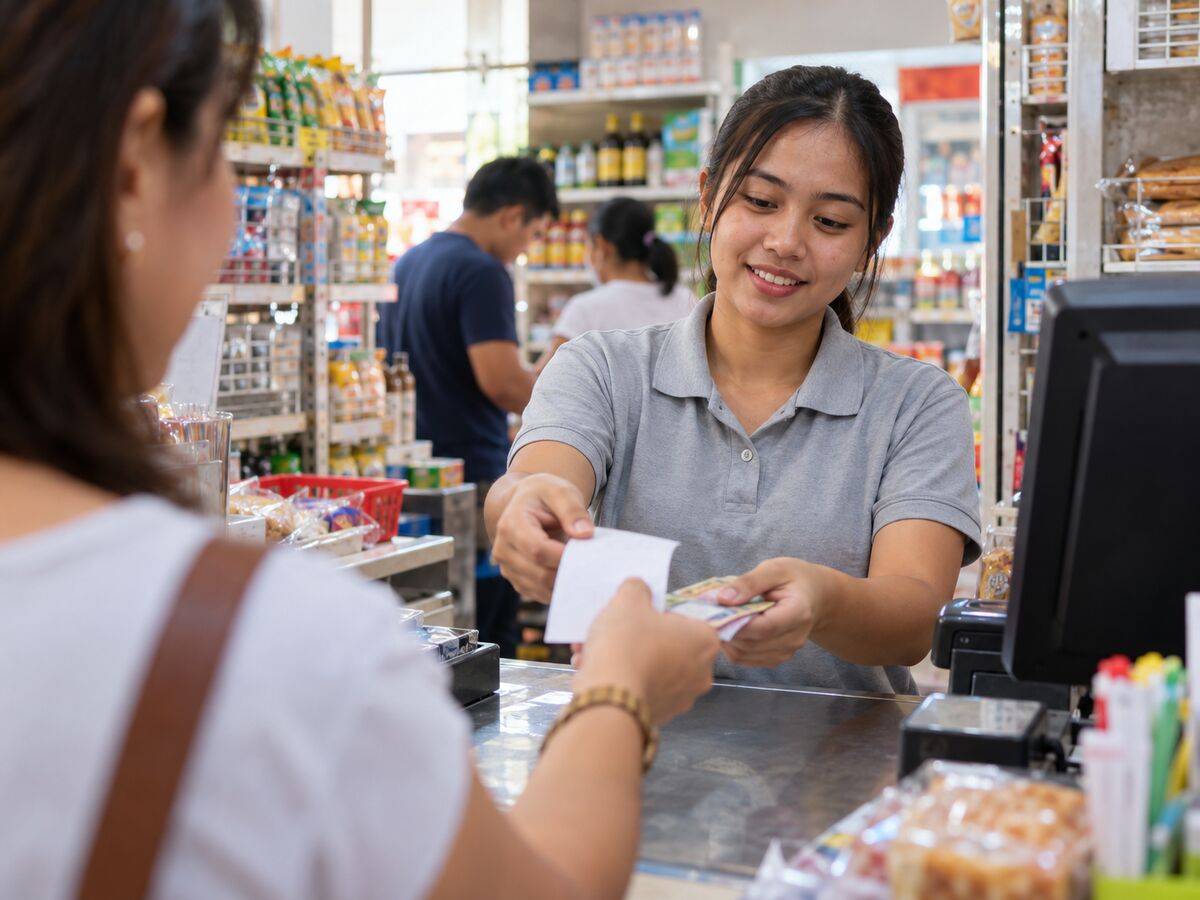
A cashier handing a receipt and change to a customer across the counter.For the cashier

A counter that never stops

Scan, discount, take cash or GCash and print the receipt, on the PC, scanner, printer and drawer you already have. With or without internet.

The register →

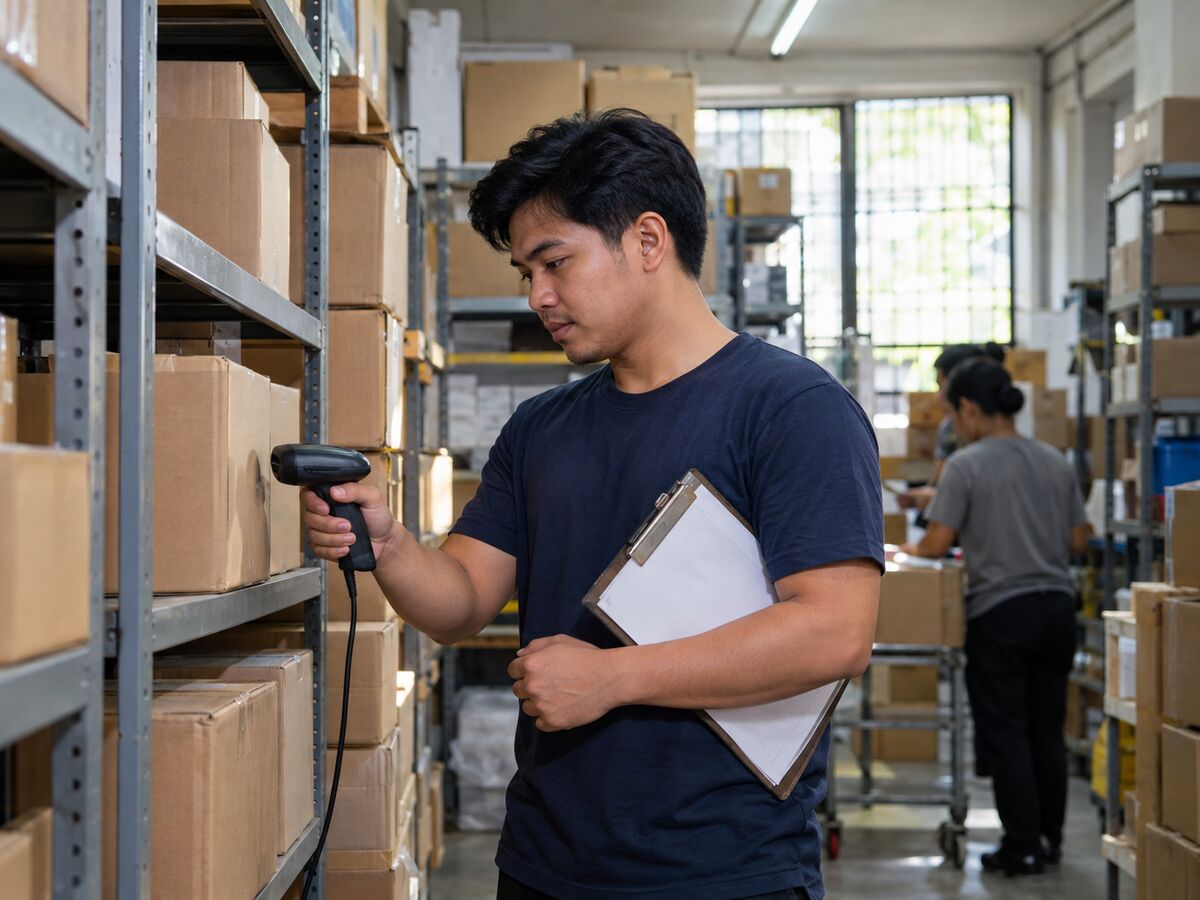
A staff member counting boxes on stockroom shelves with a handheld scanner.For the stockroom

Stock that matches the shelf

Receiving, counts and adjustments all post to one stock ledger, so Head Office shows what is really there, down to lot and expiry.

Inventory →

A business owner reviewing reports for her branches on a laptop.For the owner

Every branch on one screen

Sales, cash, spoilage and reorders for every branch, from any computer or phone. Every number ties out with the register.

Reports →
  • Senior Citizen, PWD, NAAC, Solo Parent and MOV discounts
  • Shifts, change fund, cash in and out, and over/short
  • Owner, manager and cashier roles with PIN sign-in
  • Supervisor approval for voids, returns and discounts
  • Several barcodes, price levels and branch prices
  • Expiry pull-out worklist in a window you choose
See all features

Take a look

One register for every counter.

The same register on a counter PC, a tablet or a phone. Head Office runs in any browser.

The Sibol register on a counter PC: four medicines in the cart with their lots and expiry dates, the total due and the Checkout button.
The same register on a tablet held upright: the cart on top, then the total, scan field, command tiles and Checkout.
The same register on a phone: cart lines as cards with a More button and Checkout at the bottom.
Design previews with sample data.
The Stock status page with on-hand quantities, stock levels, status labels such as Low and Overstocked, and value at cost.
Stock status: on hand by product and lot, with low and overstocked items flagged.
The checkout dialog with cash, GCash and bank transfer tenders, cash received and change.
Checkout: split a payment across cash, GCash and bank transfer.

Offline-first

Keeps selling with the cable unplugged.

Store internet drops. Your counter shouldn't. The register keeps its own ledger, so a sale never waits for the server.

  1. Sale saved firstStored on the register before the receipt prints or the drawer opens.
  2. Numbered on the spotInvoice numbers come from the register itself, in sequence.
  3. Queued while offlineSales wait safely for as long as the outage lasts.
  4. Synced exactly onceWhen the connection returns, every sale reaches Head Office once.
The register showing an orange “You’re offline. Keep selling.” banner while a sale is rung up.

Our rule for every register feature: does it still work with the cable unplugged?
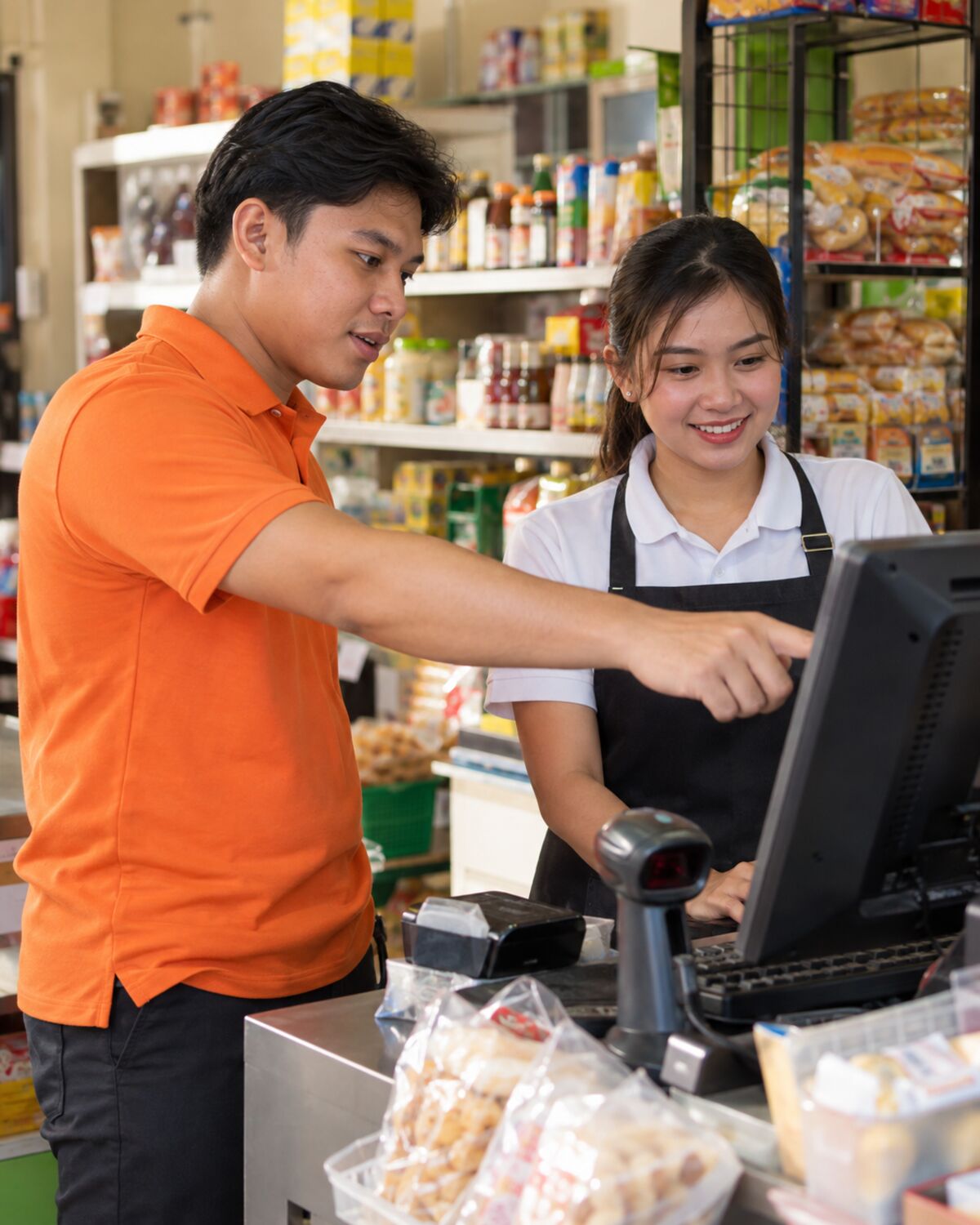
A Sibol specialist showing a cashier how to use the new register.

We set it up with youYour products, barcodes and stock, imported for you.

Switching

Switch without starting over.

Run Sibol alongside your current POS first, or move over fully. We bring your data across and train your team at the counter.

  • Products, barcodes, stock and sales history imported
  • Runs on the Windows PC and devices you already have
  • Run both side by side until you're ready

Pricing

Choose where you are. Grow where you're going.

Each plan includes everything in the one before it. Grow without moving your data.

POS Plan

StartSelling.

Everything you need to run your point of sale and manage the essentials of your business.

  • Point of SaleFast and easy checkout
  • Product ManagementKeep your items organized
  • Basic InventoryTrack your stock
  • Sales ReportsKnow how your business is doing
  • Single LocationPerfect for starting businesses
+ 1 more

Starts at₱1,500/month

Get Started

Sibol Plan

GrowYour Operations.

Manage multiple branches, inventory, purchasing, and warehouse operations in one connected system.

Everything in POS, plus:

  • Multi-Branch ManagementManage all your stores
  • Multiple POS TerminalsFor faster, smoother operations
  • Centralized InventoryReal-time stock visibility
  • Stock TransfersMove stock between branches
  • Purchasing & Supplier OrdersManage orders efficiently
+ 3 more

Starts at₱3,000/month

Grow Your Business

Possibilities Plan

BuildWhat's Next.

For serial entrepreneurs, business groups, and growing companies managing multiple brands.

Everything in Sibol, plus:

  • Multi-Brand ManagementManage different business concepts
  • Brand-Level & Group-Level DashboardsConsolidated reporting across brands
  • Shared or Independent WarehousesFlexible inventory setup
  • Centralized Purchasing Across BusinessesBetter buying power
  • Cross-Brand Customer & Loyalty ProgramsBuild stronger customer relationships
+ 7 more

Starts at₱5,000/month

Build What's Next

Compare all plans →

AI

AI that works for your store.

Built on the sales and stock data your stores already produce.

  • Smart reorderingA draft order for each store, ready for you to approve.
  • Spoilage predictionLots at risk, flagged while they can still sell.
  • Ask in plain words“How were sales this week?” gets an answer, not a spreadsheet.
  • Anomaly alertsUnusual voids, discounts or shrinkage flagged for a second look.

FAQ

Questions owners ask.

Something else? Send us a message.

What kind of business is Sibol for?

Retail stores in the Philippines that want one system for the counter and the back office, from a single store to several branches and brands.

What happens when the internet goes down?

The register keeps selling. Every sale is saved on the register first and sent to Head Office exactly once when the connection returns.

Do I need new hardware?

No. Sibol runs on a Windows 11 PC with the barcode scanner, receipt printer and cash drawer most stores already have.

Does Sibol handle BIR requirements?

Yes. The register is built around BIR rules: Z reading and end-of-day close, Sales Book, BIR Sales Summary and accredited receipts. We help you with the Permit To Use.

Can I bring my data from my current POS?

Yes. We import your products, barcodes, stock and history, and you can run Sibol alongside your current POS before you switch.

Can I start small and grow?

Yes. Start on the POS plan with one store, then move to Sibol or Possibilities when you add branches or brands. Nothing is migrated.

A store team standing together in front of their shop.

See Sibol in your store.

Tell us about your branches and the POS you use today, and we'll walk you through it.